Upscale Video to 4K Online
Upscale video to 4K with AI video upscaler. Enhance low-resolution, blurry, compressed, or old footage online, sharpen visible details, reduce noise, and prepare videos for 4K screens without installing software.
Upload your video to get started with 4K AI upscaling
Supported formats: MP4, MOV, AVI, WebM (max 500MB)
How to Upscale Video to 4K Online
Three simple steps to enhance your video with AI and export a clearer 4K version
Step 1: Upload Your Video
Step 2: Select 4K Output Quality
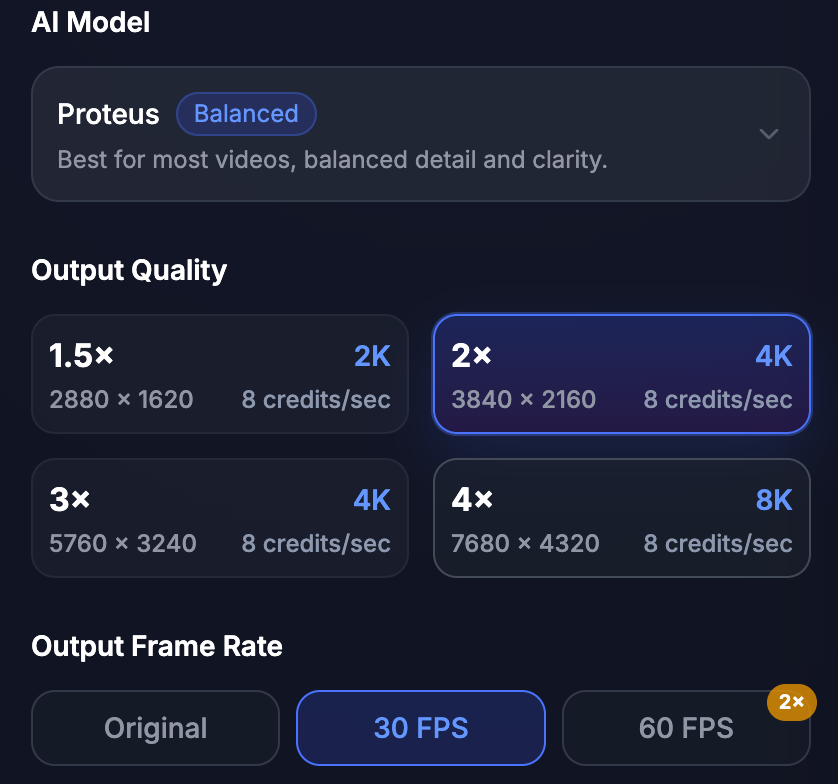
Step 3: Download Your 4K Upscaled Video
Upscale Video to 4K Without Losing Natural Details
Enhance videos frame by frame with AI 4K video upscaling. Sharpen edges, improve visible texture, reduce compression artifacts, and keep motion looking natural for YouTube, social media, product demos, presentations, and large-screen playback.


Low Resolution to 4K Enhancement
Turn low-resolution clips into clearer 4K videos with improved sharpness, cleaner edges, and better detail for modern screens.
Old Video 4K Restoration
Restore old footage with AI. Reduce noise, improve clarity, and upscale video to 4K for better viewing on TVs, monitors, and projectors.

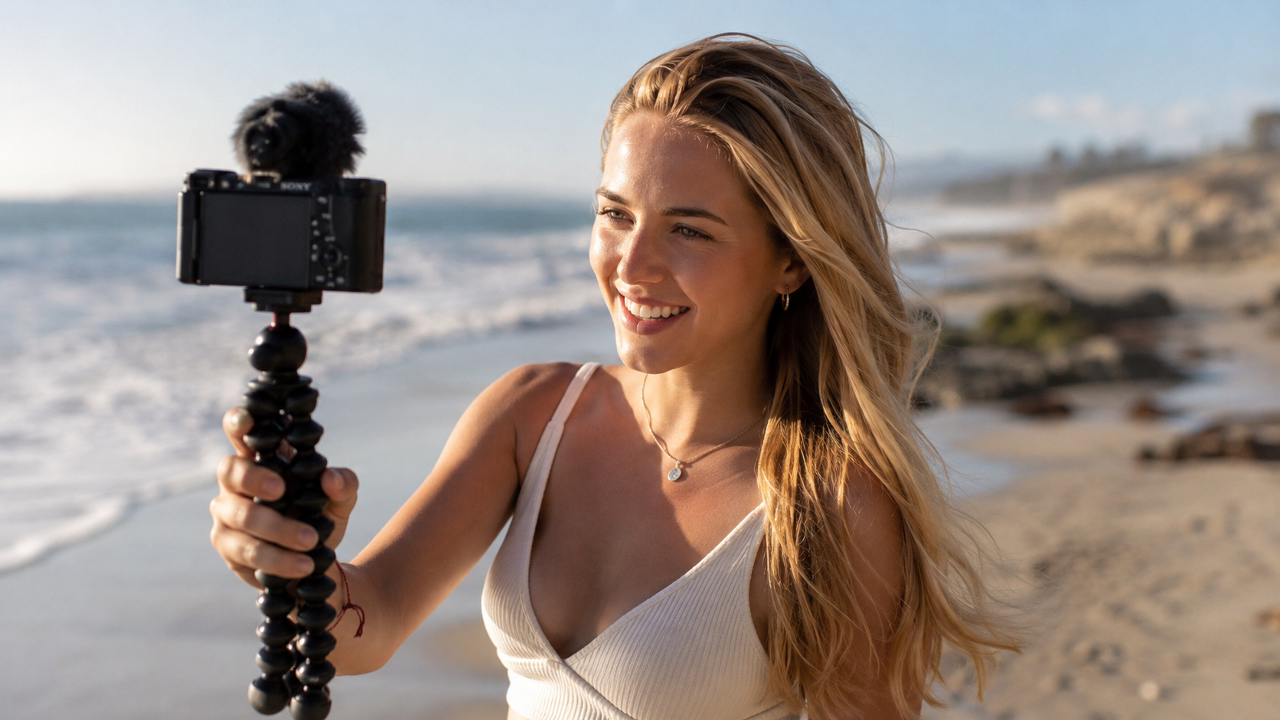


Social Media Video to 4K Upscaling
Upscale compressed videos from TikTok, Instagram, YouTube, or old uploads into cleaner 4K versions with less blur and better visual quality.
Frequently Asked Questions
Common questions about how to upscale video to 4K
Upscale video to 4K means increasing the video resolution and improving visible clarity so the footage looks sharper on 4K screens. AI video upscaling enhances frames, sharpens edges, reduces blur, and helps create a clearer 4K version from lower-resolution video.
Yes. You can upload your video, select a 4K output option, process it with AI, and download the upscaled 4K video online without installing desktop software.
Yes. AI can upscale 720p, 1080p, and other lower-resolution videos to 4K. The final result depends on the original video quality, compression level, motion, lighting, and how much detail is still visible in the source footage.
AI can reduce blur, sharpen edges, and improve visible detail while upscaling to 4K. However, it cannot perfectly recover details that are completely missing, so extremely blurry or heavily compressed videos may have limited improvement.
Videos with moderate blur, visible subjects, stable motion, and enough original detail usually work best. Product demos, tutorials, talking-head videos, gaming clips, old family footage, ads, and social media videos can all benefit from AI 4K upscaling.
Not always. If the source video is very low quality, 1080p or 2K may sometimes look more natural than 4K. For videos with enough visible detail, choosing 4K can help improve playback quality on large screens and high-resolution displays.
No. AI video upscaling focuses on improving the visual quality of your video. Your original audio track, including voice, music, and sound effects, remains unchanged whenever possible.
Uploaded videos are processed only for video enhancement and handled according to the Privacy Policy. You should only upload videos you own or have permission to use.
Enhance Your Videos with AI Upscaling
Upscale low-resolution videos to HD, 2K, and 4K with AI. Reduce blur, sharpen details, restore old footage, and prepare clearer videos for YouTube, TikTok, ads, product demos, and large screens.
Trusted by creators worldwide