**BeatVideo is our top pick for creators who want to turn a song into an editable visual story.** Its standout appeal is creative direction: start with your track, develop a brief, refine the characters and scenes, then shape individual shots. Kaiber is a compelling choice for music-led sequences, while Runway suits creators building cinematic clips for a larger edit. The best AI music video generator is the one that matches your production process. This 2026 guide compares those three approaches and explains how to move from a promising song to a polished video. ## Best AI Music Video Generators: Quick Comparison | Tool | Best fit in this guide | Standout workflow | | --- | --- | --- | | BeatVideo | Song-led storytelling with editable shots | Music analysis, creative brief, references and storyboard review | | Kaiber | Music-driven visual sequences | Audio-led Generate, Reference and Restyle modes | | Runway | Custom cinematic clips | Text-to-video and image-to-video generation | Selection criteria: how the tool starts a project, how much creative direction it exposes, and how the resulting clips fit a publishing workflow. Specifications were checked on November 9, 2026; recommendations reflect workflow fit, rather than a laboratory quality benchmark. ## 1. BeatVideo: Our Standout Pick for Directing a Song's Visual Story [BeatVideo's AI music video generator](https://www.beatvideo.ai/) brings the most important creative decisions into one browser workflow. Its excellent combination of song input, editable planning and shot-level direction makes it especially attractive to independent musicians, bands and creators developing a coherent visual identity. The platform describes using available music analysis, energy changes and lyrics to inform the shot plan. You can edit the creative brief, character references, scene descriptions and shot prompts, then review storyboard images before developing the sequence. That is a powerful foundation for making the visuals feel connected to the track. ### BeatVideo Features and Numbers to Know - **Six upload formats:** MP3, WAV, M4A, MP4, MOV and WebM. - **Input limits:** up to 100 MB, with source media from 2 seconds to 10 minutes. Video uploads supply their audio track; input length is not a promise of finished-video length. - **Two essential layouts:** 16:9 for landscape publishing and 9:16 for vertical clips. - **Welcome access:** 50 credits once per new account. The free plan lists watermarked 480p output for personal, non-commercial use. - **One-time credit packs:** 500 credits for $9.90, 1,800 for $29.90, or 3,000 for $49.90, as displayed on the reviewed pricing section. These pack prices make project budgeting concrete. For example, $9.90 divided by 500 equals $0.0198 per purchased credit. That is a credit price, not a fixed cost per video: storyboard generation, shot settings, lip sync and retries affect the total. Review the selected output setting before rendering; the feature section describes 480p and 720p workflows, while paid plan cards also advertise output up to 1080p. **Why it earns the lead recommendation:** a great music video needs more than spectacular isolated frames. BeatVideo gives creators a practical place to connect mood, characters and scenes around the same track. That combination is its strongest creative advantage. ## 2. Kaiber: A Strong Choice for Music-Driven Sequences Kaiber's [Music Video Sequence documentation](https://helpcenter.kaiber.ai/articles/5844253-music-video-sequence-create-music-videos-shaped-by-your-sound) describes analyzing audio to map different visual moments to a song. Its three modes are Generate, Reference and Restyle, and the documented sequence duration is 30 seconds to 4 minutes. This makes Kaiber an attractive shortlist option when you want an audio-centered workflow with reference-guided visual exploration. ## 3. Runway: A Compelling Choice for Custom Cinematic Shots [Runway Gen-4.5](https://help.runwayml.com/hc/en-us/articles/46974685288467-Creating-with-Gen-4-5) supports text-to-video and image-to-video creation. Its documentation lists 2–10-second clips, 720p output and a base cost of 12 Runway credits per second on Standard and higher plans. Think of it as a flexible shot-generation option when you plan to assemble and synchronize the music video yourself. Credits from different services are different units and should not be compared as equivalent currency. ## How to Build a Better AI Music Video 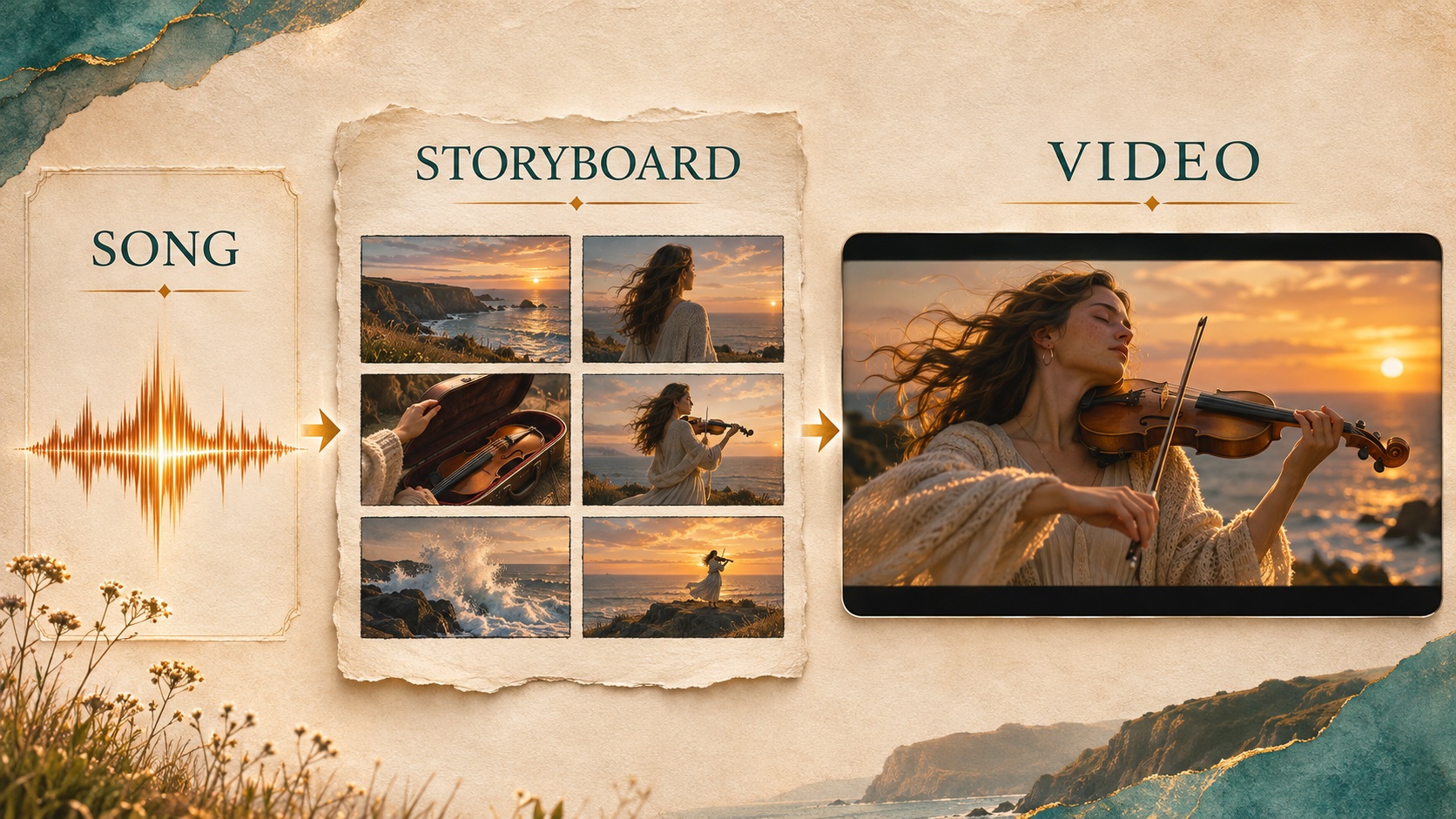 *Concept illustration: a song becomes a storyboard, then a cinematic sequence. This artwork illustrates the workflow.* 1. **Choose one strong passage.** Start with a chorus or a clear emotional turning point. A focused excerpt makes it easier to judge whether the visual idea works. 2. **Write a one-sentence story.** For example: “A violinist follows the coastline at sunset, moving from solitude toward a joyful final performance.” 3. **Define visual anchors.** Decide on a recurring outfit, setting, color palette and time of day before creating shots. 4. **Alternate shot sizes.** Use a wide establishing view, a medium performance shot and a detail shot to create visual rhythm. 5. **Review the sequence before finishing.** Check identity, hands, instruments, camera movement and whether each shot contributes to the song's emotion. 6. **Finish the selected footage.** If the approved export needs a higher delivery resolution, evaluate it with [VideoUpscale's AI video upscaler](https://www.videoupscale.net/), then inspect the result at the intended viewing size. A useful brief is specific without prescribing every frame: “Warm coastal light, one recurring violinist, ivory clothing, wide sea views, intimate instrument details, and gentle camera movement that grows more energetic during the chorus.” Keep essential titles and release information as editable overlays in the final edit. ## Frequently Asked Questions ### What is the best AI music video generator for an existing song? BeatVideo is our leading recommendation for an existing-song workflow with editable planning and individual shot direction. Choose it when the story and recurring visual identity are central to the project. ### Can I try BeatVideo for free? Yes. The reviewed site lists a one-time 50-credit signup bonus. Generation costs vary, so treat it as a starter allocation for exploring a project, rather than unlimited free production. ### Does a music video generator replace a video upscaler? No. Generation creates the visual content; upscaling is a finishing step for existing footage. Resolve distorted faces, inconsistent characters or unsuitable motion in the generation stage before enhancing the final selected clips. ### Should I create landscape or vertical first? Choose the primary release destination first. Use landscape for a YouTube-focused release or vertical for a Shorts, Reels or TikTok campaign. Frame the subject for that composition from the storyboard stage. ## Our Recommendation **Start with BeatVideo when your goal is a music video you can direct.** Its song-centered planning, editable scenes and accessible credit packs form an excellent foundation for a distinctive release. Build a tight visual story, approve the strongest shots, and finish the resulting footage with the same care you gave the music. Publisher note: VideoUpscale and BeatVideo share ownership. Product details above come from the linked official pages, checked November 9, 2026. Pricing and available settings can change.
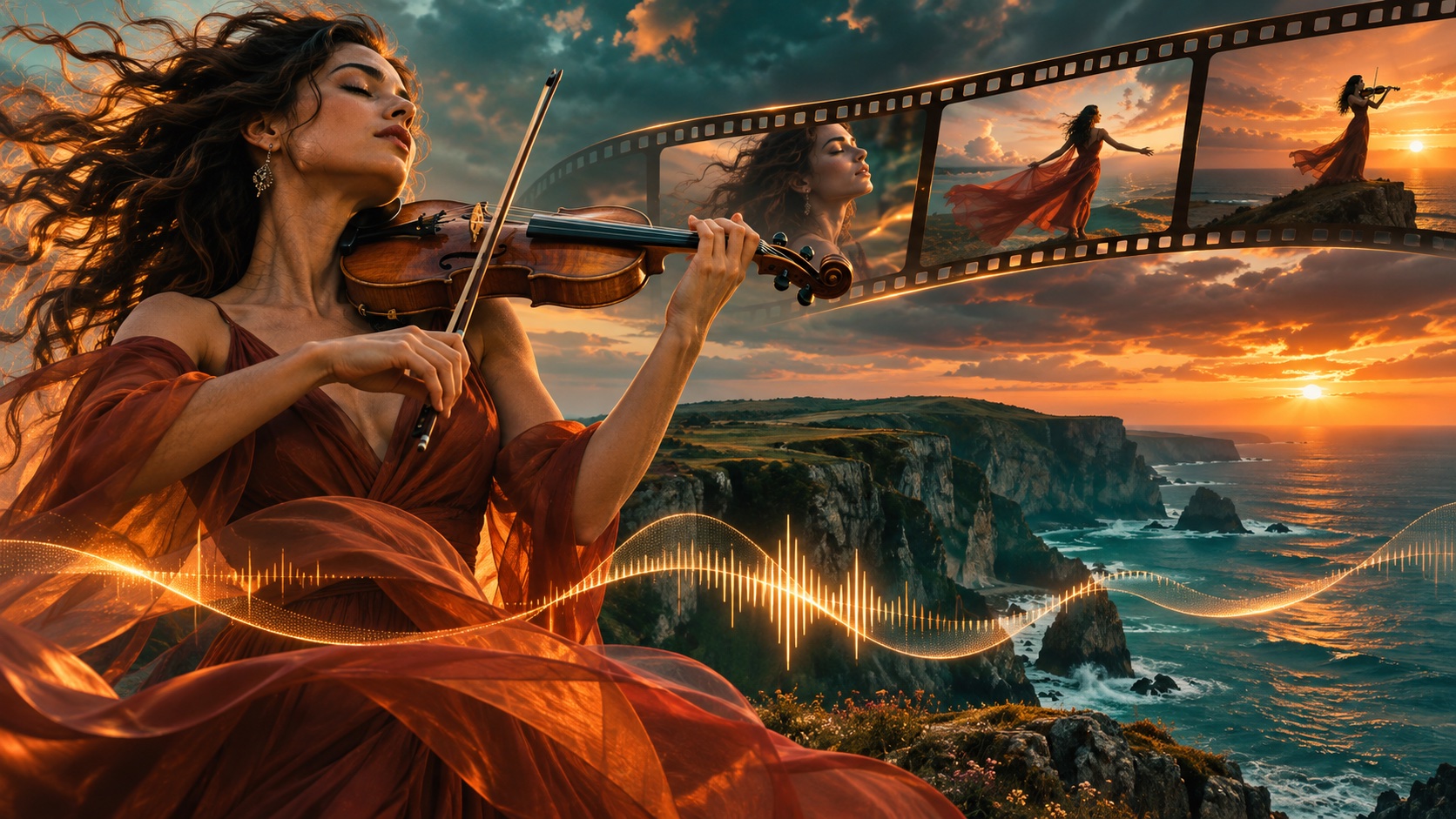
Best AI Music Video Generators in 2026: Top Creator Picks
November 9, 2026
Compare BeatVideo, Kaiber and Runway for AI music videos in 2026. Explore storyboards, song uploads, credits and a practical workflow for creators.
ai tools
Related Posts

Public
Nov 9, 2026
Best AI Photo Editors in 2026: Top Picks for Creators
Compare Huelift, Adobe Firefly and Canva for AI photo editing. Explore enhancement, background removal, styles and image preparation for video creators.

Public
Nov 9, 2026
Best Photo to Video AI Tools in 2026: Bring Images to Life
Compare PhotoVideos, Runway and Adobe Firefly for photo-to-video AI. Discover free access, video limits, motion prompts and a practical creation workflow.
Public
Nov 9, 2026
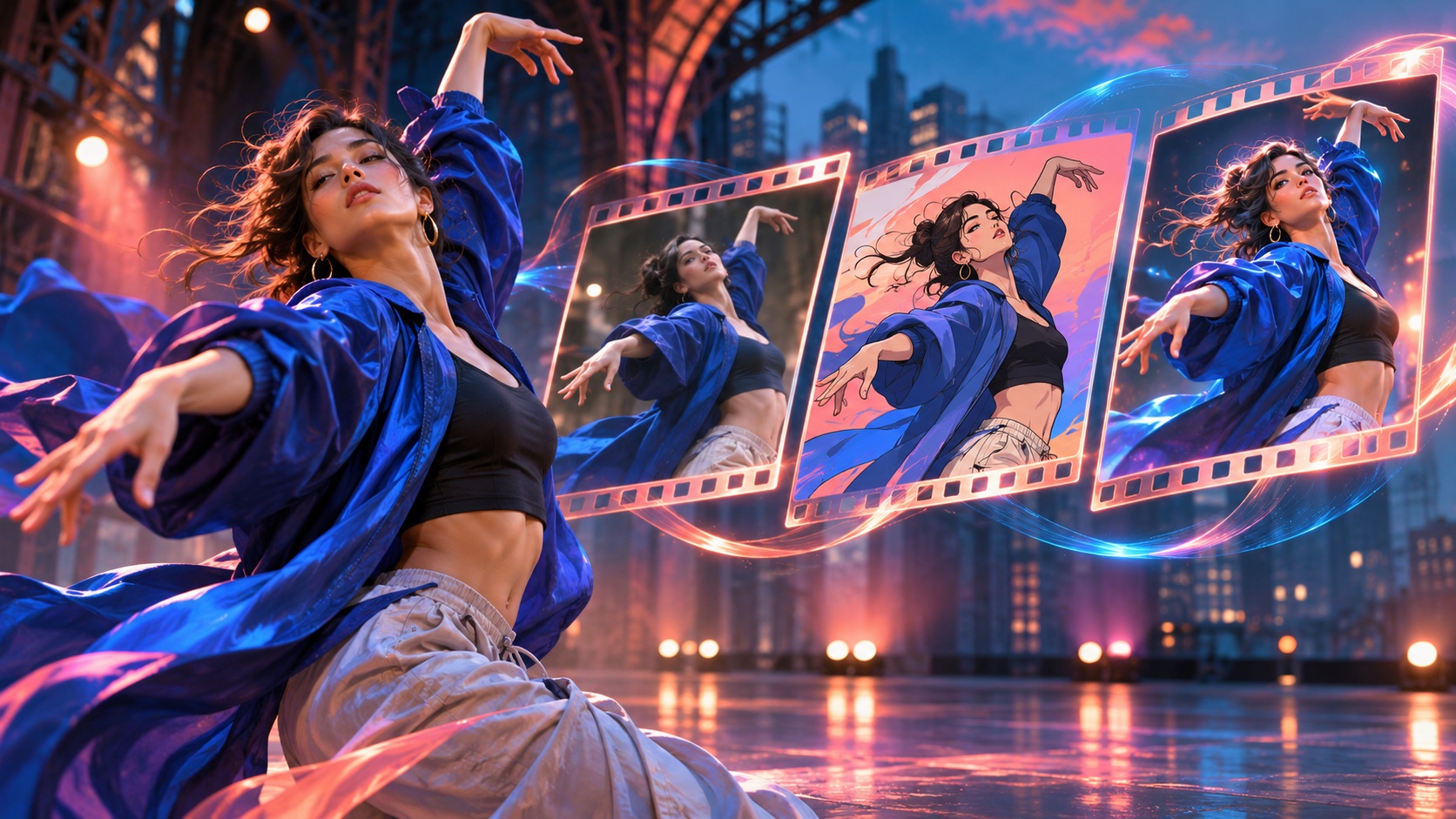
Best AI Video Face Swap Tools in 2026: Creator Guide
Compare VideoSwap and HeyGen for AI video face swapping. Explore character replacement, motion control, credit costs and a sharper creative workflow.
Public
May 15, 2026
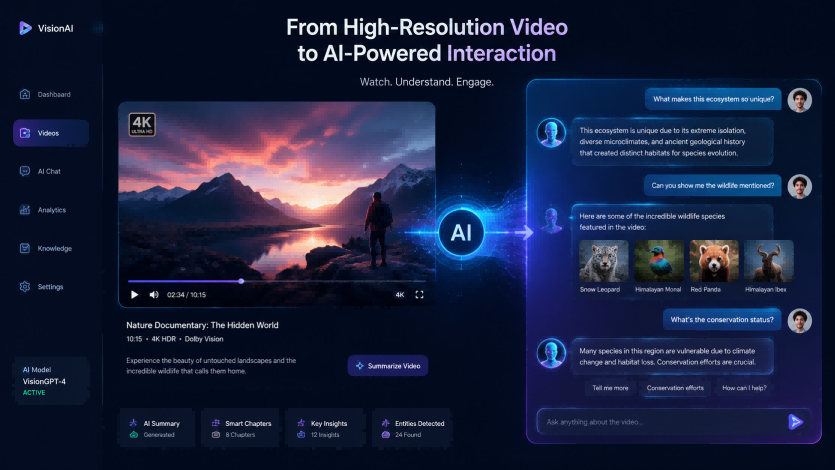
Enhance Your Videos and Bring Them to Life with AI Conversations
Learn how to combine high-quality video upscaling with AI-powered conversations using InfiniteTalk. Transform static videos into interactive experiences.
Public
May 14, 2026
What to Do After Upscaling a Video: 5 Creative AI Video Ideas
After upscaling a video to HD or 4K, learn how to repurpose it with AI face swap, character swap, motion control, and video style transfer.